Compare types

Camera drones, selfie drones, or FPV?

You do not need to compare every drone yet. Start by choosing the type that matches how you want to fly. The right category narrows the choice considerably.

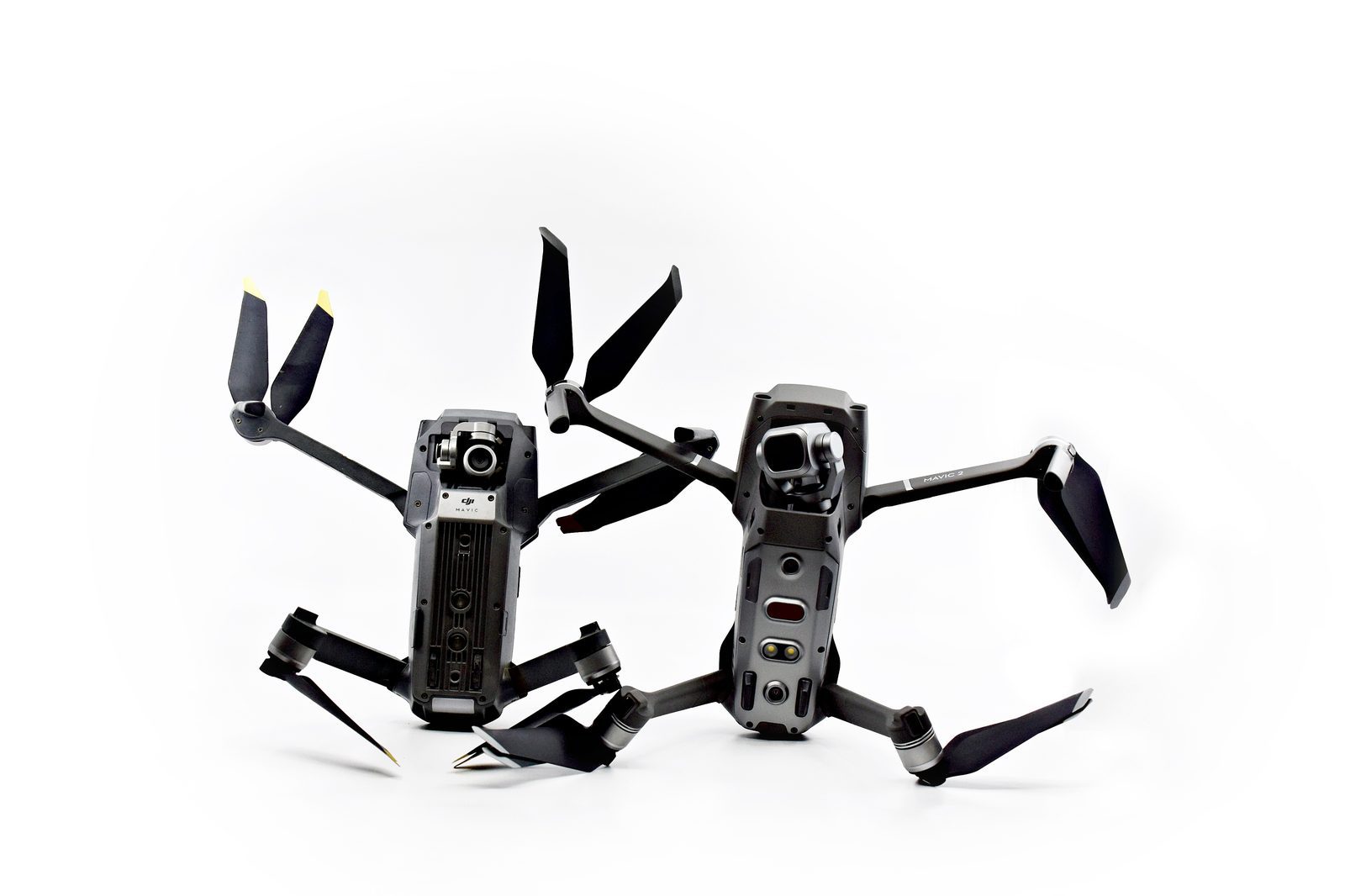
Two drones shown for comparison
Some links on this site are affiliate links. See our disclosure.
Most popular beginner path

Camera / GPS drone

Choose this if you want stable outdoor flight, a traditional controller, aerial photos and video, and the most forgiving learning curve. This is the most supported beginner category with the most tutorials, community resources, and spare parts availability.

  • GPS hover holds position automatically without constant corrections.
  • Return-to-home brings the drone back if signal is lost or battery runs low.
  • Physical stick controller gives real tactile feedback as you learn.
  • Beginner or novice flight modes limit speed and altitude while you build confidence.
  • Camera and optional gimbal for stable aerial video and photography.
  • Widest range of tutorials, communities, and replacement parts.

Popular examples: DJI Mini 4K (under 249g, 4K/30fps, 31-min), DJI Flip (4K/60fps HDR, 48MP), DJI Mini 4 Pro (premium, obstacle avoidance). See full recommendations.

Read the buying guide
Best first fit for most beginners
Simple content path

Selfie / follow drone

Choose this if you mainly want quick portable clips, simple phone-app launch, and less setup than a traditional controller-based drone. Selfie drones prioritize ease and portability over range and advanced control.

  • Launch and land from a phone app with minimal setup.
  • Very compact when folded, easy to carry in a bag or backpack.
  • Follow-me and gesture control features for hands-free clips.
  • Good for travel content, quick social videos, and casual outdoor use.
  • Generally shorter battery life and range than camera drones.
  • Less suitable for windy conditions or extended outdoor sessions.
See simple starter gear
Best for quick social clips
Immersive flying path

FPV drone

Choose this only if the flying experience itself matters more than easy first-day footage. FPV offers an immersive first-person perspective through goggles or a screen, but it requires real commitment from a beginner. Most FPV drones have no GPS stabilization by default.

  • First-person view through goggles gives a fully immersive flying experience.
  • Manual flight mode is the standard — no GPS hold to catch mistakes.
  • Simulator time before the first real flight is strongly recommended.
  • Crashes are common early on — budget for spare parts from the start.
  • Separate radio controller, goggles, and batteries typically required.
  • Very rewarding once fundamentals are built, but takes longer to reach that point.
Prepare for a first flight
Best for committed learners

Side by side

Quick comparison of the three paths.

Camera / GPS

Learning curve

Gentlest of the three. GPS stabilization does much of the work early on. Most beginners can hover and do basic movements on the first session.

Selfie / follow

Learning curve

Very simple to start. App-based controls are accessible but limit what you can learn. Transitioning to a full controller later requires relearning some basics.

FPV

Learning curve

Steepest of the three by a significant margin. Expect weeks of simulator time and early outdoor crashes before consistent controlled flight.

Camera / GPS

Best use cases

Outdoor flying sessions, aerial photography, video, learning fundamentals, traveling with gear, and building skills that transfer to advanced drones.

Selfie / follow

Best use cases

Travel clips, social media content, quick outdoor use, situations where you want minimal gear and fast setup with no controller to carry.

FPV

Best use cases

Pilots who want the flying experience itself, racing, freestyle tricks, and dynamic video that a GPS drone cannot produce. Not primarily for footage quality.

Unsure which path fits?

Start with the Camera/GPS path.

If none of the three paths is obvious, the traditional Camera/GPS route is the simplest way to learn real controls, build confidence, and keep options open for later.

Go to Start Here